KEY TAKEAWAYS
- The first digits (BIN/IIN) identify the card network, not the account status.
- Issuer bank and country need a full BIN database.
- Well-formed numbers can still be dead — only a live check confirms status.
- The lookup runs client-side; nothing is transmitted.
- One primary gateway plus one fallback keeps the BIN lookup tool resilient.
- Watch classified rate and latency trends, not just the balance.
A BIN (Bank Identification Number), now formally IIN, is the leading part of a card number that identifies the issuing network and product family. Enter the first 6–8 digits below to identify the brand; add the full number to also verify the checksum and format.
What a BIN can and cannot tell you
- Can: brand (Visa, Mastercard, …), product family patterns, typical number length.
- Cannot: the specific issuing bank, country, or whether the card is active. Those require a BIN database and a live verification request respectively.
Read the full explainer in BIN lookup explained, then run a live check when you need confirmed status.
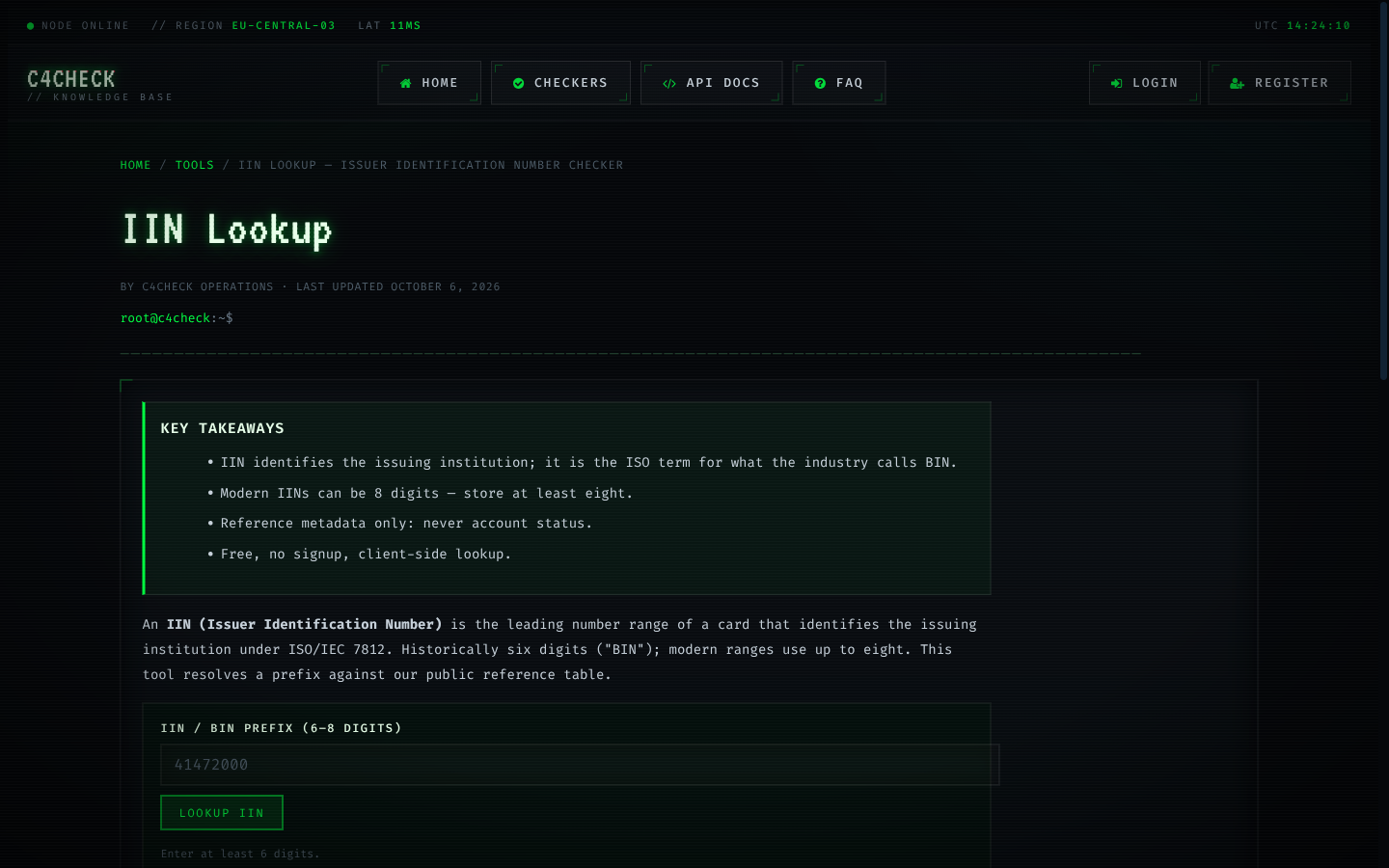
The BIN lookup takes a six- or eight-digit prefix and returns the issuer record behind it: brand, card type, issuing bank and country. It is the fastest way to answer "who issued this" during triage, and it never claims anything about the account itself.
The lookup draws on a maintained reference table covering hundreds of thousands of ranges, with six-digit granularity everywhere and eight-digit detail on many programs.

Key points about the BIN lookup tool
- Brand, type, issuer bank and country per prefix
- Six- and eight-digit prefixes
- Reference data only — no status inference
- Useful in triage, routing and enrichment
A practical path through the BIN lookup tool
- Paste the prefix.
- Read the issuer record.
- For status, continue with a live check.
The mechanics behind the BIN lookup tool
A verification answer reflects the issuer's view at the moment of the request; nothing about it changes the card, the account or the cardholder. The four outcomes are categorical rather than numeric because decisions are categorical too: proceed, recover, retry or log. The platform keeps one history row per request with status, cost and before/after balance, which makes the whole loop auditable at the individual check level. Rate limits, formats and latency all come from the provider side, which is why per-gateway configuration exists instead of one global setting. That distinction is what keeps the BIN lookup tool decisions clean.
A working routine for the BIN lookup tool
For recurring workloads, schedule the run before the moment the answer is needed — ahead of a billing cycle, a payout batch or an onboarding window. Log request identifiers and outcomes, never full card numbers. Debugging rarely needs a PAN, and storing one is a liability. Start with a pilot of fifty cards. It surfaces format mismatches and routing surprises while the cost of being wrong is still measured in cents. Watch two numbers over time: the classified rate and the error rate. Together they explain almost every surprise in monthly spend. Keep it in mind whenever the BIN lookup tool results are reviewed.
Tools that make the BIN lookup tool easier
The check-digit calculator shows the Luhn math step by step, useful when building or debugging number generation. BIN search and IIN lookup answer the issuer question — brand, type, bank, country — without touching account status. The Luhn validator and expiry checker catch format problems before any paid request leaves the browser. Write it down; the BIN lookup tool workflows live and die on small consistencies.
Using the BIN lookup tool on the right side of the line
A check does not move money, does not create a charge and does not touch the cardholder's credit file. Results describe the account, never the person; they should inform routing and risk decisions, not identity decisions. Check only cards you own or are authorised to process; verification is not a shortcut around cardholder authorization. It is a small rule that changes how the BIN lookup tool behaves at scale.
Benchmarks and distribution for the BIN lookup tool
The reference BIN table covers hundreds of thousands of issuer ranges, and it is deliberately separate from account-status data: one describes issuers, the other describes cards. Latency percentiles matter more than averages: the p90 and p99 tell you what a slow run actually feels like. When the classified rate moves, the cause is usually a route or provider change rather than the underlying cards. Aggregate numbers describe populations, not individual cards. Use them to size timeouts and retry budgets, never to judge one account. Keep it in mind whenever the BIN lookup tool results are reviewed.
Scaling the BIN lookup tool without surprises
Treat provider outages as routing problems: switch routes, recover the unclassified remainder, keep the answers you already paid for. Track cost per classified card rather than cost per request; it is the only metric that reflects retries and unknown rates. Document the route, the batch policy and the retry rules next to each production run; six months later that note is the diagnosis. Schedule recurring checks ahead of the decisions they inform, not after them. It sounds obvious until a real run tests it.
Common mistakes around the BIN lookup tool
Scheduling the BIN lookup tool after the decision it informs removes most of its value. Running the BIN lookup tool without a written triage rule turns a clean batch into manual archaeology. Running the BIN lookup tool without a fallback means one degraded provider turns an entire batch into unknowns.
- Validating after the paid the BIN lookup tool request, rather than before, doubles the cost of bad input.
- Storing card data beyond the needs of the BIN lookup tool creates risk without adding value.
- Treating a the BIN lookup tool snapshot as permanent truth overstates what verification can promise.
- Defining result handling after the run in the BIN lookup tool produces spreadsheets instead of decisions.
Limits and responsible use of the BIN lookup tool
Check only cards you own or are authorised to process; verification is not a shortcut around cardholder authorization. A check does not move money, does not create a charge and does not touch the cardholder's credit file. Verification is a signal, not a guarantee: a live result does not promise that a later charge will be approved. It sounds obvious until a real run tests it.
Interpreting outcomes in the BIN lookup tool
The honest reading of unknown is "no answer yet". The card is neither good nor bad, and the remedy is a different route, not a repeat of the same one. A result is only as fresh as its timestamp. High-value decisions should use checks that ran close to the moment of the decision. The four result classes are a decision matrix, not a score: live proceeds, dead recovers, unknown gets one careful retry, error returns to the queue. Conflating outcomes is the most expensive habit in this area — an error treated as a dead card discards real inventory, and an unknown treated as live inflates confidence. The habit costs nothing and removes a recurring class of mistakes.
Benchmarks and distribution for the BIN lookup tool
Cost per classified card is the honest metric. A cheap-per-request route with a high failure rate is the most expensive option in practice. Trends beat snapshots: a classified rate that drifts over weeks says more than any single run's result. The platform publishes outcome distributions and latency percentiles from real traffic, refreshed monthly, precisely so expectations can be calibrated against reality. Sample sizes matter. Small windows produce noisy percentages, which is why published aggregates carry minimum thresholds. Remember it the next time the BIN lookup tool produces an ambiguous answer.
Keeping the BIN lookup tool predictable
Treat provider outages as routing problems: switch routes, recover the unclassified remainder, keep the answers you already paid for. Budget verification against the cost of failure, not against zero; the comparison is what makes spend defensible. Reconcile spend monthly against classified results; the difference between the two numbers is where retries hide. Track cost per classified card rather than cost per request; it is the only metric that reflects retries and unknown rates. In the BIN lookup tool work, that is the difference between a signal and a guess.